





One till for counter, table, phone and delivery.
You key in the ticket, take cash, card or TWINT, and run the Z report in the evening without switching windows. The till runs in the browser, as a Windows program or as an Android app.


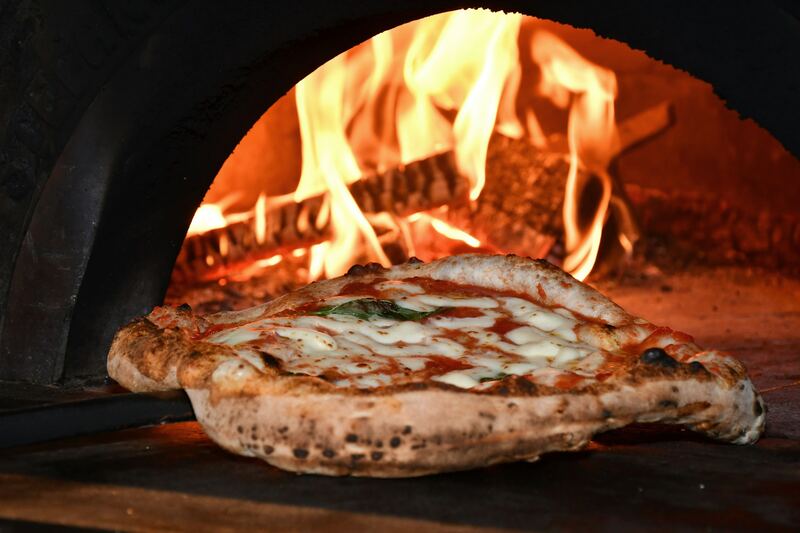
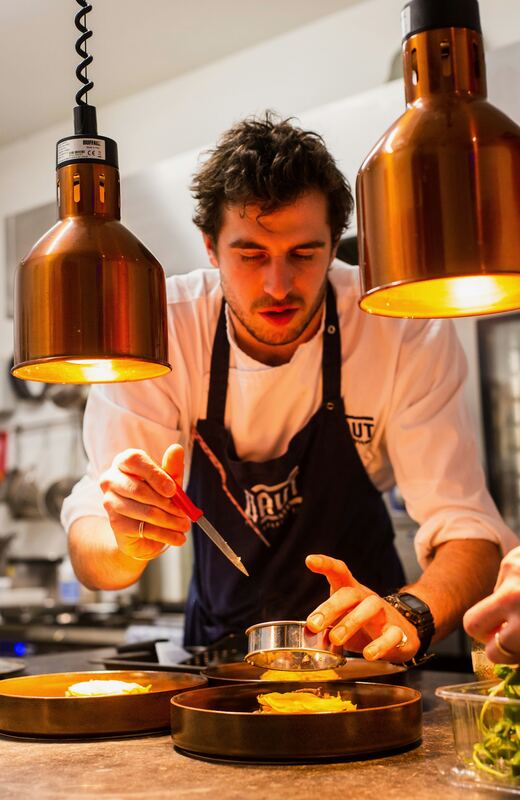
Photo: Unsplash. Screen: the real Forn Kasse with demo data.
Made for half past seven on a Friday night.
Three guests at the counter, the phone ringing, a driver waiting for his run. At that moment every move counts. The Forn till has large buttons, your favourites up front and the ticket always in view on the right, so even a stand-in on their first night doesn’t have to hunt for anything.
How it works.
- 1
Choose the order type
Eat in, Table, Takeaway or Delivery. The till then sets the VAT rate by itself.
- 2
Tap the items
Favourites are up front, the size is on the tile. Extras, notes and half-and-half are added per item.
- 3
Pay
Cash, card or TWINT, with tips. Cash totals are rounded to the nearest 5 rappen.
- 4
Close the day
Count the cash drawer, run the Z report. After that it’s in the Management dashboard.
What’s on the screen.
Details from the real till and a preview of the Management dashboard, with demo data.
Nobody has to know the VAT rate.
At the top of the ticket you choose Eat in, Table, Takeaway or Delivery. The VAT share is shown under the total. That way even the stand-in can see that the takeaway pizza is charged at 2.6%.
- Extras and notes per item
- Sizes like Ø32 and Ø40, each with its own price
- Assign a guest, with customer card and allergies
Closing without retyping.
You count the cash drawer by coins and notes, run an X report in between and the Z report at the end. After that it’s in the Management dashboard, and your accountant gets the figures as a file, without anyone typing them up.
- Counting by coins and notes
- Z report in the Management dashboard
- Voids and refunds with a PIN and an audit trail

Payment the way the guest wants.
One pays cash, the next one with TWINT. You record the result from your card terminal with one tap. A SumUp terminal gets the amount straight from the till, so you don’t enter it twice.
- Record the tip at payment
- Rounding to 5 rappen for cash
- Refund with a trail in the activity log
Everything the till can do.
- Tickets & tablesA ticket stays open until the table pays. You park it, call it up again or merge two tables.
- Extras & half-and-halfHalf prosciutto, half funghi, with its own price. You key in variants and extras right on the ticket.
- Phone ordersWith the Forn Connector, the till recognises the caller and shows the address and last order. All you type is what they want today.
- Payment methodsCash, card and TWINT. Every payment lands in the end-of-day close with its payment method.
- Card terminals A SumUp terminal gets the amount straight from the till. With any other terminal, you type the amount into the device and record the result on the till with one tap.
- Split & part payment The table of four pays separately, each with their own tip, or one bill in two parts.
- Voids & refundsBy default only with PIN and permission. Every correction is in the activity log.
- Cash drawer & end-of-day closeCounting by coins and notes, X and Z report, export for your accountant.
- Several tillsThe counter and the phone desk take payments at the same time in the same place, each device with its own sign-in.
- Short network outage During a short outage the till keeps taking tickets and syncs them as soon as the network is back.
- E-receiptIf the guest doesn’t want a paper receipt, it goes by email.
- Text messages to guestsShort messages to guests who have agreed to them. The credit depends on your plan.
- Training modeNew staff practise on the real till without creating any sales.
- Age checkFor alcohol and other age-restricted items, the till reminds you to check.
Screens for your guests.
Guests see their ticket at the till, the day’s offers in the room, and at the kiosk or the table the menu they order from themselves.
- Customer displayA second screen at the till shows the guest their ticket and the total while you type. You switch it on when you need it.
- Digital signageMenu and offers on TV screens in your place, on a schedule, for example the lunch menu until 14:00.
- Self-order kiosk Guests choose their order themselves at a screen in your place. The ticket goes to the kitchen and the till.
- QR menu at the tableThe guest scans the code on the table, reads the menu and orders.
Runs on what you already have.
- Browser on a tablet or PC
Sign in and start selling, with nothing to install.
- Windows program
The same till as a Windows program, together with the Forn Connector for printers and the cash drawer.
- Android app
The till as an app for Android tablets, with pairing and PIN sign-in.
- iPad
No separate app, the till runs in the browser.
- Receipt and kitchen printers
Through the Forn Connector on Windows. We tell you by email which printers work before you buy anything.
Which plan includes what.
The till is included in all three plans. Voids and refunds with a PIN, split payment and caller ID are part of Pro and Kette.
Prices are provisional. Which features go into which plan will be set together with the prices. Go to pricing
Questions about Kasse
Do I need a new card terminal?
What happens if the internet goes down?
Can I use several tills?
Who is allowed to void?
Tell us about your place.
You get test access by email and written answers to your questions. Send your menu along, and we’ll answer based on your dishes.
Or write to us: info@forn.ch