






Your own ordering page, under your name.
Guests order directly from you, at your web address and in your colours, and the order lands on your till. Forn takes no commission on these orders.

Your regular orders from you, not from a platform.
Anyone who orders through a platform is ordering from the platform. On your own ordering page, the guest orders directly from you, at your prices and in your delivery zone. You know who ordered, and you can invite them to your next promotion if they’ve agreed to it.
How it works.
- 1
Set up menu and zones
You maintain the menu once in the panel. On top of that, you set where you deliver, what it costs and from what amount.
- 2
The guest orders
On their phone the guest picks pizza, size and extras, as a guest or with an account, for now or for later.
- 3
Pay
Online with TWINT or card through your provider, or cash to the driver at the door.
- 4
Into the kitchen
On the till and in the kitchen it’s a ticket like any other, marked as delivery or pickup.
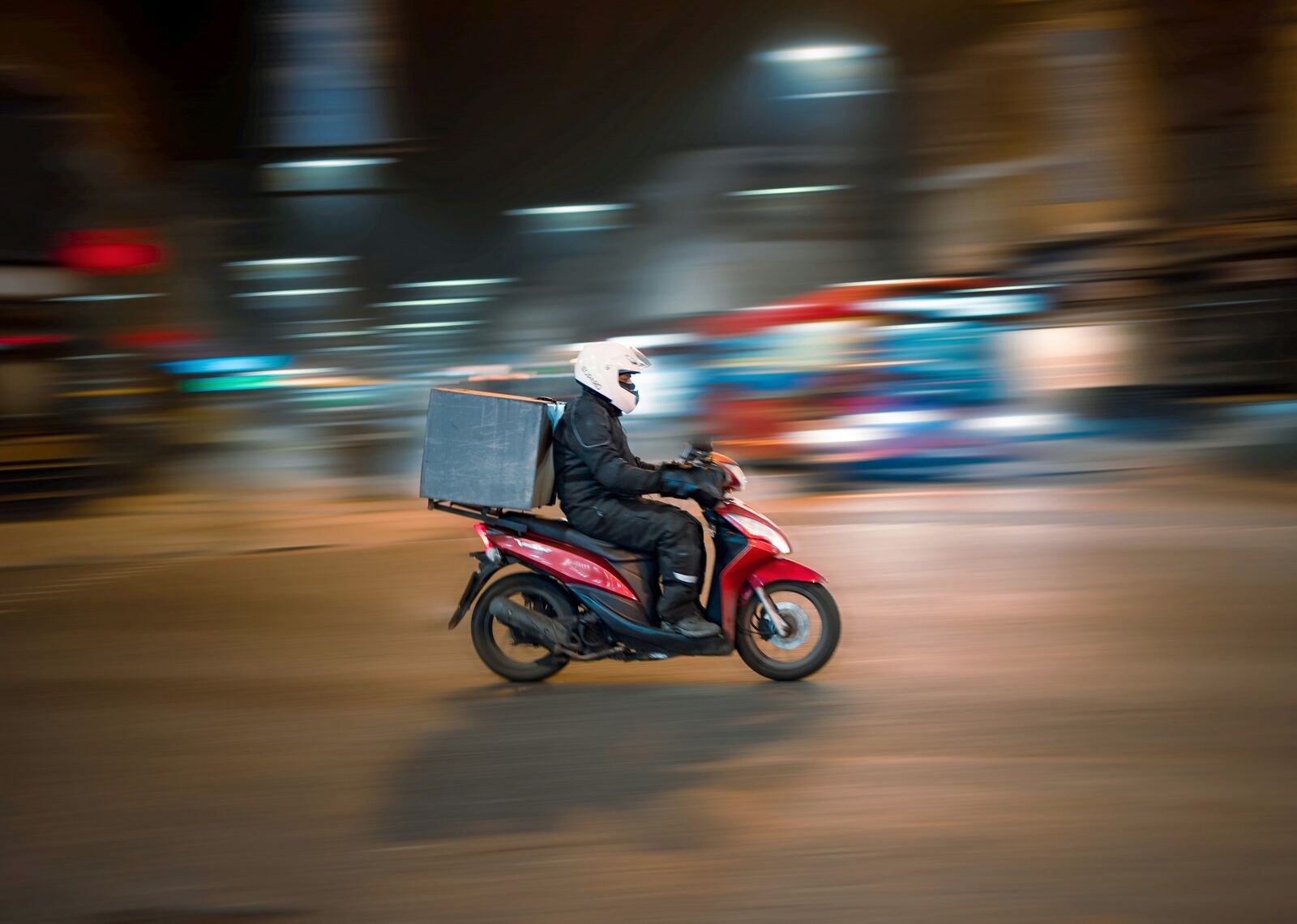
You decide where you deliver and from what amount.
You set zones by postcode or distance, for example Zofingen with no delivery fee, Oftringen with a fee and a minimum order. Anyone who orders after closing time picks a time when you’re open.
- Guests see the delivery cost before they order
- Pickup with a time slot
Payment with TWINT and card.
The guest pays through your own provider, Saferpay for TWINT and card, or Stripe for card. The money goes to you, and the fees depend on the terms of your payment provider and your contract.
- Cash on delivery possible
- Order status for the guest
What comes with the ordering page.
- Your own web addressUnder your own domain or a Forn address, in your colours.
- Menu with extrasSizes, extras, half-and-half and allergens, from the same menu as the till.
- Delivery zonesBy postcode or distance, each with its own fee and minimum order.
- Pre-ordersOrdering for later, even when you’re closed. The kitchen gets the ticket at the right time.
- Guest accountWith an account, the address and past orders are saved. Without one, they order as a guest.
- Combos & offersMeal deals made of several items at one price, for example pizza with a drink.
- TWINT and cardThrough Saferpay or Stripe, under your own contract with the provider.
- Stamp cardAnyone who orders with an account collects their stamps here too, without a cardboard card.
For guests on any device.
- Phone and computer
The ordering page runs in the browser, with nothing to download.
- Stamp card
The stamps are stored in the guest’s account, on the phone as on the computer.
Included in these plans.
Online orders, delivery and pickup are included in all three plans.
Prices are provisional. Which features go into which plan will be set together with the prices. Go to pricing
Questions about the ordering page
Can I keep my domain?
What does an online order cost me?
Can the guest pay cash?
What happens when we’re closed?
Tell us about your place.
You get test access by email and written answers to your questions. Send your menu along, and we’ll answer based on your dishes.
Or write to us: info@forn.ch